Meta Pixel Setup Guide: Track Website Conversions & Optimize Facebook Ads
- By admin
- Aug 24, 2026

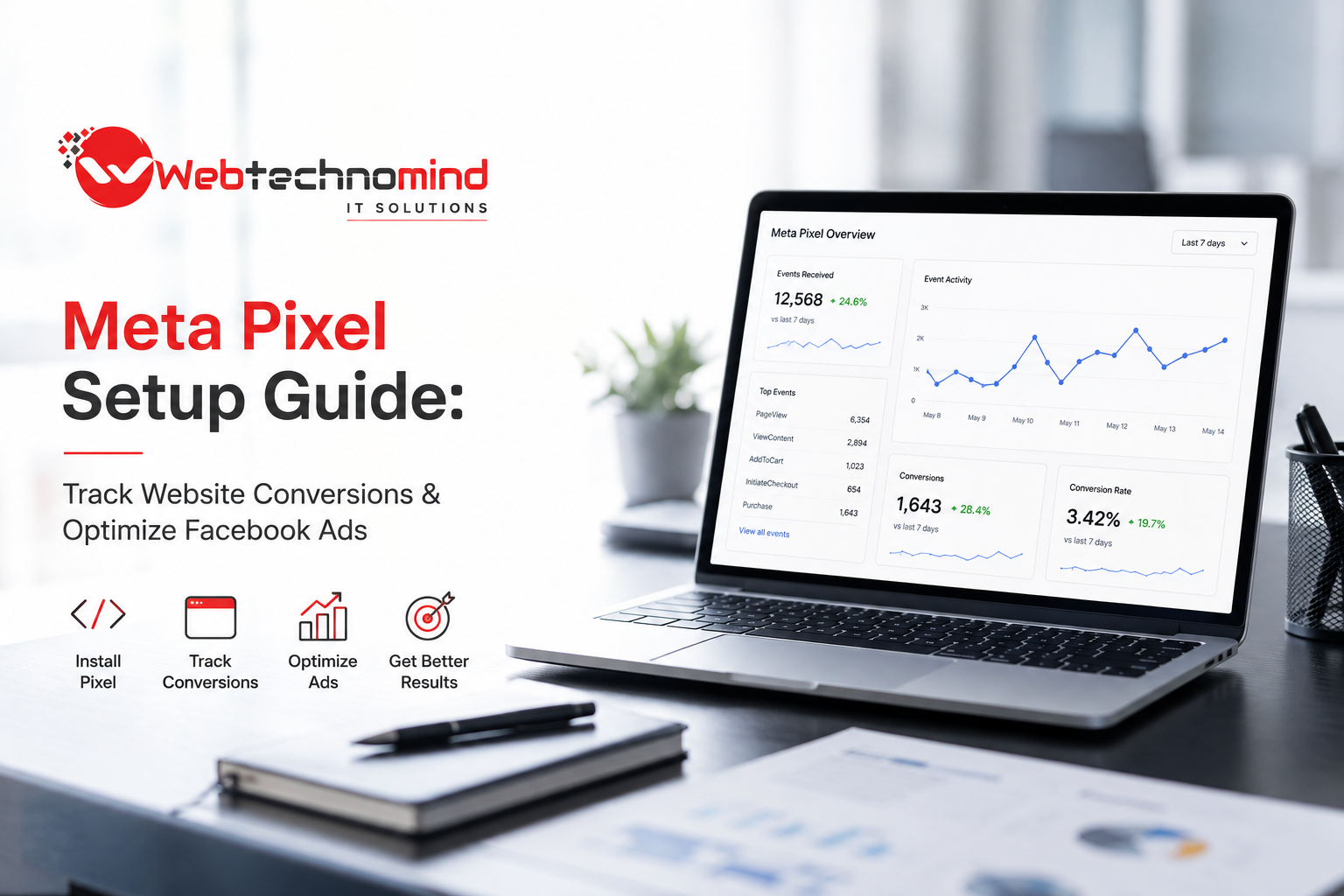







Running Facebook and Instagram ads without accurate conversion tracking is like driving with no dashboard. You may see clicks, impressions, and traffic, but you cannot clearly understand which visitors are becoming leads, customers, or subscribers.
That is where the Meta Pixel comes in.
The Meta Pixel is a tracking tool from Meta that helps businesses understand what people do on their websites after interacting with Facebook or Instagram ads. When properly configured, it can help you measure conversions, build audiences, optimize campaigns, and make better advertising decisions.
In this Meta Pixel setup guide, we will explain what the Meta Pixel is, how to install it, which events to track, and how to use conversion data to improve Facebook Ads performance.
The Meta Pixel is a piece of code that connects your website with Meta’s advertising platform. It records specific actions visitors take on your website, such as viewing a product, submitting a form, adding an item to a cart, or completing a purchase.
For example, imagine you run an eCommerce store and launch a Facebook campaign. The Meta Pixel can help you determine:
This information gives advertisers more visibility into the customer journey.
Simply generating website traffic is not enough. Your goal is usually to generate measurable business results.
With properly configured Meta Pixel tracking, you can connect advertising activity with website actions. This makes it easier to understand whether your campaigns are producing meaningful results.
The Pixel can track important actions, commonly called events. Depending on your business, these may include purchases, registrations, lead submissions, or content views.
Meta’s advertising system can use conversion signals to help identify people who are more likely to complete your desired action.
For example, if your goal is to generate leads, tracking completed lead forms provides a stronger optimization signal than simply tracking link clicks.
Pixel data can help you create audiences based on website behavior. You can target people who visited specific pages, interacted with products, or took certain actions.
Once you have quality conversion data, you can use eligible source audiences to help Meta find people with characteristics similar to your existing customers or leads.
For eCommerce businesses, purchase and revenue tracking can help you evaluate ROAS (Return on Ad Spend) and identify campaigns that generate revenue rather than simply traffic.
Setting up the Meta Pixel involves several important steps.
Start by accessing your Meta business tools and make sure your business assets, advertising account, and website are properly configured.
You should have the appropriate permissions to manage your data sources and advertising assets.
Meta has increasingly organized website event data around datasets. Depending on the interface available in your account, you may see terminology related to datasets rather than the traditional standalone Pixel.
Create or select the appropriate website data source and give it a recognizable name.
Meta provides several installation options depending on your website platform and technical setup.
For a WordPress website, you may use a supported integration or a tag management solution. For Shopify and other platforms, native integrations may be available.
For custom websites, developers can install the Meta Pixel base code directly into the website.
The base code allows Meta to recognize website activity and establish the foundation for event tracking.
If you are using a manual implementation, the code needs to be installed correctly across the relevant website pages.
However, installing the base code alone is not enough. You also need to configure the events that matter to your business.
Meta provides standard events that can represent common customer actions.
Some important events include:
PageView: Tracks page visits.
ViewContent: Useful for tracking product, service, or content page views.
Lead: Tracks completed lead-generation actions.
CompleteRegistration: Tracks registration or sign-up completion.
AddToCart: Tracks when a visitor adds a product to their cart.
InitiateCheckout: Tracks when a customer begins checkout.
Purchase: Tracks completed purchases and can include transaction value and currency.
The events you choose should match your actual business objectives.
For example, a B2B service company may focus heavily on Lead, while an online store may prioritize ViewContent, AddToCart, InitiateCheckout, and Purchase.
After installation, do not immediately launch a large advertising campaign.
First, verify that your events are firing correctly.
Meta provides tools that can help you inspect website event activity and identify implementation problems.
Test important customer journeys manually. For example, if you operate an eCommerce website, test the process from product page to checkout and purchase.
Look for issues such as:
Accurate data is critical because poor tracking can lead to poor campaign optimization.
Modern tracking strategies often involve more than browser-based Pixel tracking.
Meta Conversions API (CAPI) allows businesses to send selected conversion data directly from their server or through supported integrations to Meta.
Using the Pixel together with Conversions API can create a more resilient measurement setup, particularly as browsers, privacy controls, and tracking restrictions continue to evolve.
However, implementation should be done carefully to avoid duplicate event reporting and inaccurate conversion data.
Installing the Pixel is only the beginning. The real value comes from using the data to improve your campaigns.
If your business wants leads, optimize around qualified lead actions rather than inexpensive clicks.
If you sell products, optimize for purchases when sufficient purchase data is available.
The closer your optimization event is to your actual business goal, the more useful the resulting data can become.
Compare campaigns based on meaningful metrics such as:
Do not judge a campaign solely by impressions or clicks.
Website visitors who did not convert can represent valuable audiences.
For example, you could create a retargeting campaign for people who viewed a product but did not purchase. Another campaign could target users who added products to their cart but abandoned the checkout process.
This allows you to create messaging based on where users are in the buying journey.
Several tracking mistakes can reduce the quality of your advertising data.
One common mistake is installing the Pixel but failing to configure important events.
Another is tracking every page interaction without defining which actions actually matter to the business.
Duplicate events are another major concern, particularly when multiple tracking systems are installed simultaneously.
You should also avoid making decisions based on incomplete data. Attribution is not always perfect, and privacy restrictions can affect what platforms can observe.
Finally, make sure your website’s consent and privacy practices are appropriate for the regions and audiences you serve.
For better results, follow these best practices:
A properly configured Meta Pixel can turn Facebook and Instagram advertising from a basic traffic-generation channel into a measurable conversion system.
The key is not simply installing the Pixel. Businesses need to identify their most important conversion actions, configure events correctly, test their implementation, and consistently use the resulting data to improve campaigns.
Whether you are generating leads, selling products, collecting registrations, or promoting services, accurate conversion tracking gives you a clearer understanding of what happens after someone clicks your ad.
As privacy and browser restrictions continue to change digital advertising, businesses should also consider a broader measurement strategy that combines browser-based tracking, server-side signals, analytics, and first-party data.
When implemented correctly, Meta Pixel tracking can help you make smarter advertising decisions, improve audience targeting, reduce wasted ad spend, and ultimately build more profitable Facebook and Instagram campaigns.
Read More
Generating leads through Meta Ads can be one of the most effective ways for businesses to reach potential...
Most website visitors do not convert on their first visit. They may browse your products, compare prices, read...
Meta Conversions API Setup Guide: Improve Tracking Accuracy After iOS Privacy Updates Meta advertising has changed significantly as...
Instagram advertising has become one of the most effective ways for businesses to reach potential customers, build brand...