Google Display Ads Strategy: How to Build High-Performing Display Campaigns That Convert
- By admin
- Aug 24, 2026

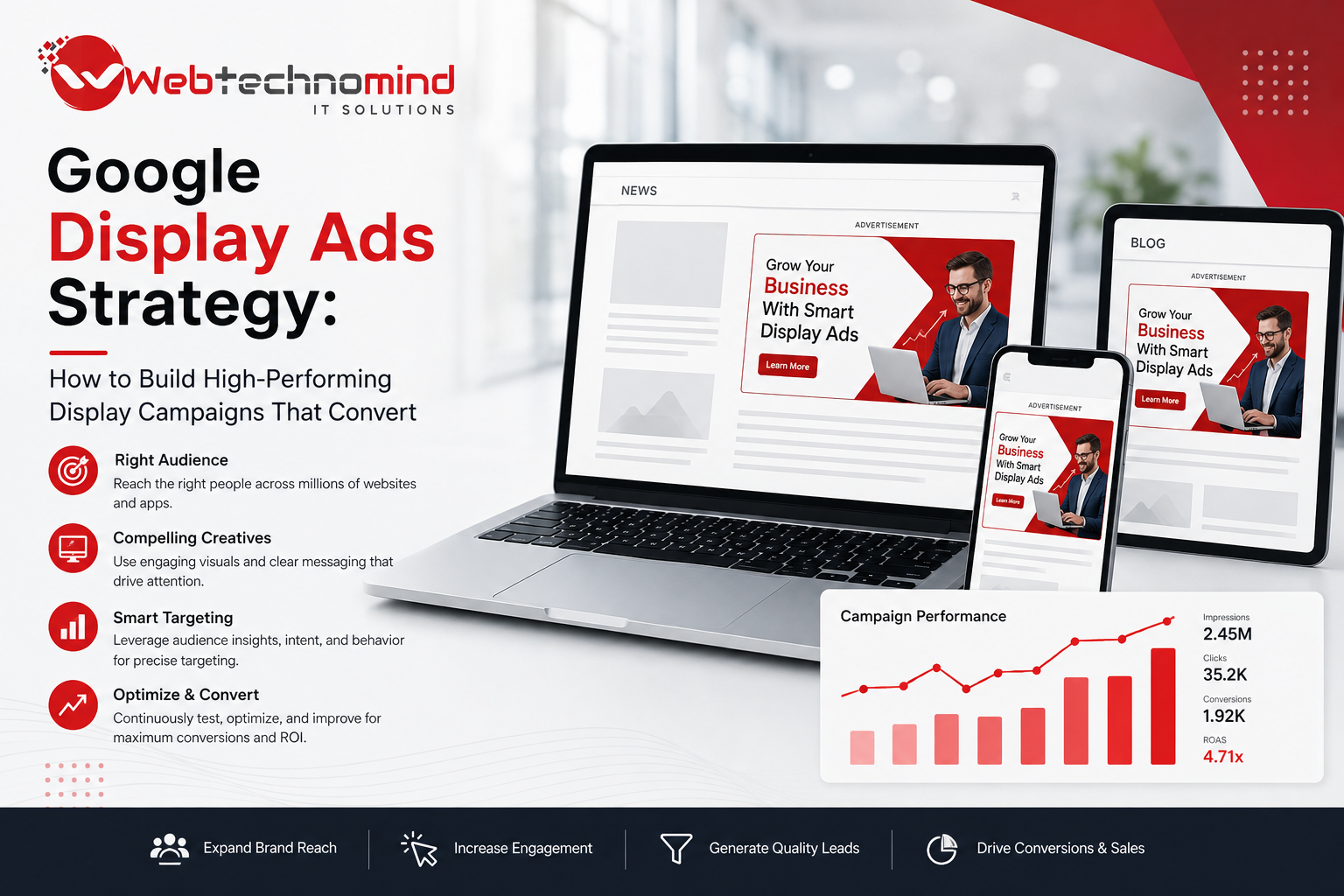







Google Display Ads can help businesses reach potential customers across websites, apps, video platforms, and other digital environments. Unlike Search Ads, which primarily target users actively searching for specific products or services, Display advertising can introduce your brand to people while they browse content online.
However, simply creating banners and increasing the advertising budget does not guarantee results.
A successful Google Display Ads strategy requires the right combination of audience targeting, creative design, campaign objectives, bidding, landing page optimization, remarketing, and performance analysis.
This guide explains how businesses can build high-performing Display campaigns designed to generate awareness, leads, sales, and measurable business results.
Google Display Ads are visual advertisements that can appear across Google’s Display ecosystem and participating websites and applications.
They can use formats such as:
Display advertising is particularly useful for reaching people earlier in the customer journey, reconnecting with previous website visitors, and building brand awareness.
The biggest difference is user intent.
Search Ads generally reach users when they actively search for something.
Display Ads can reach users while they are browsing online content.
For example:
A user searching for “best CRM software” demonstrates active intent.
A business showing a CRM advertisement to a relevant audience while they browse industry content is using Display advertising to create awareness or influence future consideration.
Both channels can work together as part of a broader PPC strategy.
A well-planned Display campaign can help businesses:
Display advertising can be particularly valuable for products and services where customers require multiple interactions before making a purchasing decision.
Before launching a campaign, decide what you want the campaign to accomplish.
Common objectives include:
Brand Awareness:
Increase exposure to a target audience.
Lead Generation:
Drive users to enquiry forms, consultations, or demo requests.
Sales:
Promote products and encourage purchases.
Remarketing:
Reconnect with users who previously interacted with your business.
Your campaign objective should determine your audience, creative messaging, landing page, and bidding strategy.
Audience targeting is one of the most important elements of Display advertising.
Depending on campaign configuration and available targeting options, businesses may use signals based on:
The right audience depends on your product, service, industry, and campaign objective.
Avoid trying to target everyone.
A smaller, more relevant audience can often be more valuable than a large audience with weak relevance.
Remarketing allows businesses to reconnect with people who have previously interacted with their website, app, or other digital properties where appropriate.
For example:
A visitor views your service page but does not submit an enquiry.
Later, they may see an advertisement reminding them about the service.
Remarketing can be particularly effective for businesses with longer buying cycles.
Create different audiences based on user behavior when possible.
For example:
Different audiences can receive different messages.
Display advertising is visual, so creative quality matters.
Your advertisements should communicate the core message quickly.
Effective Display Ads typically include:
Examples of calls to action include:
Avoid overcrowding your creative with excessive text.
Your advertisement should answer an important question:
Why should the user care?
Instead of simply saying:
“Digital Marketing Services”
consider a benefit-focused message such as:
“Generate More Qualified Leads With Performance Marketing.”
The exact messaging should reflect your actual offering and avoid unsupported claims.
Sending Display traffic to a generic homepage can reduce conversion performance.
Instead, create landing pages aligned with your advertisements.
For example:
Ad: “Google Ads Management for B2B Companies”
Landing Page: B2B Google Ads Management Service
The landing page should:
Consistency between advertisement and landing page creates a stronger customer journey.
Bidding should align with the campaign objective and available conversion data.
Depending on your campaign and account setup, strategies may focus on:
For lead-generation campaigns, conversion-focused optimization may be more useful than simply maximizing traffic once sufficient conversion data is available.
Avoid constantly changing bidding strategies without enough data to evaluate the impact.
Display advertising can reach a broad range of digital placements.
Businesses should regularly review placement and performance data where available.
Look for:
Use appropriate exclusions and targeting controls to improve campaign quality.
Clicks are not the ultimate goal of a lead-generation campaign.
Track valuable actions such as:
For e-commerce, track purchase value rather than simply counting transactions.
For lead-generation businesses, go further where possible and measure qualified leads and customers.
Never assume one advertisement will work for every audience.
Test variations of:
For example:
Version A: Free Consultation
Version B: Get Your Custom Strategy
Compare performance using meaningful metrics rather than judging advertisements only by clicks.
Monitor metrics that align with your campaign objective.
Important metrics can include:
For brand campaigns, reach and visibility may be important.
For lead generation, conversion quality and acquisition cost matter more.
Avoid these common problems:
A huge audience does not automatically produce better results.
Display advertising requires attention-grabbing and relevant messaging.
Dedicated landing pages often provide better message alignment.
A campaign can generate many clicks without producing valuable leads.
Returning visitors can represent valuable prospects, especially for longer buying cycles.
Different messages can perform very differently across audiences.
Poor tracking makes campaign optimization unreliable.
A successful Google Display Ads strategy is about more than putting visual advertisements in front of large audiences.
The strongest campaigns combine precise audience targeting, compelling creative, relevant landing pages, accurate conversion tracking, appropriate bidding, remarketing, and continuous optimization.
Display Ads are particularly valuable when businesses use them as part of a complete customer acquisition funnel.
Search Ads can capture active demand. Display campaigns can build awareness and influence consideration. Remarketing can reconnect with prospects who are not ready to convert immediately.
When these elements work together, Google Display Ads can become a powerful channel for generating awareness, leads, sales, and long-term customer value.
Read More
Modern websites often use multiple tracking and marketing technologies. Businesses may need to measure website visits, button clicks,...
Understanding how visitors interact with your website is essential for making better marketing and business decisions. While website...
Running Google Ads without accurate conversion tracking is like running a business without knowing which sales activities generate...

Google Search Ads remain one of the most effective ways for businesses to reach people who are actively...