
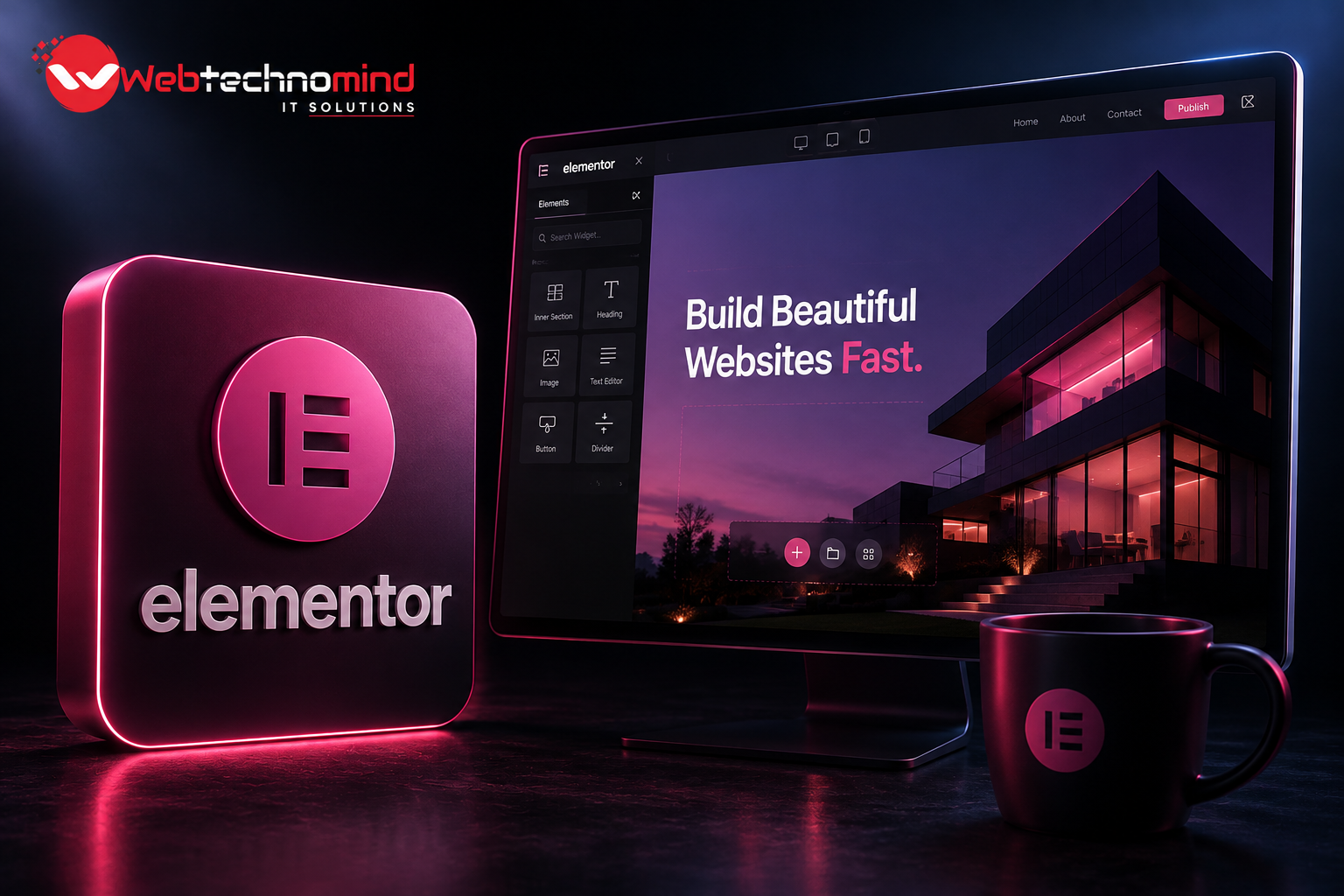







Building a professional website in 2026 is about much more than creating an attractive design. Users expect websites to load quickly, work perfectly on mobile devices, provide useful information, and offer a smooth browsing experience. At the same time, search engines and AI-powered search platforms are becoming better at evaluating website quality, relevance, usability, and technical performance.
This is where the Elementor Website Builder has become a popular solution for WordPress users. Elementor allows businesses, marketers, designers, and developers to create professional websites using a visual drag-and-drop interface without writing extensive amounts of code.
However, simply installing Elementor does not automatically make a website fast or SEO-friendly. Poorly optimized images, excessive plugins, complicated layouts, unnecessary animations, and weak technical SEO can still hurt performance.
In this guide, we’ll explore how to build a fast, SEO-friendly WordPress website with Elementor in 2026, along with practical optimization strategies that can improve both user experience and search visibility.
Elementor is a visual page builder for WordPress that allows users to design and customize web pages through a drag-and-drop interface. Instead of manually coding every section, users can visually build layouts and see changes in real time.
Elementor can be used to create:
Its flexibility makes it useful for beginners as well as experienced WordPress developers.
One of Elementor’s biggest advantages is development speed. Businesses can create, modify, and manage website layouts without depending on developers for every small design adjustment.
Elementor provides responsive design controls, reusable templates, global styling options, widgets, and integrations that make WordPress website development more flexible.
But in 2026, website owners should focus on more than appearance. A successful Elementor website needs to balance design, website speed, SEO, accessibility, mobile usability, and conversion optimization.
Your hosting environment has a major impact on website performance.
Even a well-designed Elementor website can become slow if it is hosted on an overloaded or poorly configured server.
Choose hosting that provides:
Don’t select hosting based solely on price. Reliable hosting provides a stronger foundation for website speed, security, and overall performance.
Elementor provides hundreds of design possibilities, but using every available feature can make a website unnecessarily heavy.
Every additional widget, animation, script, and design element can potentially increase the amount of code and resources that browsers need to process.
Instead, focus on a clean and purposeful design.
For example, a business homepage may need:
Avoid unnecessary sliders, animations, background videos, and decorative effects unless they provide genuine value to the visitor.
Large images are one of the most common reasons for slow WordPress websites.
Before uploading an image to your Elementor website, resize it according to its actual display dimensions and compress it appropriately. Modern formats such as WebP and AVIF can help reduce image file sizes when supported by your setup.
For example, uploading a 4,000-pixel-wide image when it will only appear at around 800 pixels provides little practical benefit and can increase page weight.
Also use descriptive filenames and appropriate alternative text.
Instead of:
IMG12345.jpg
use:
elementor-wordpress-website.jpg
This makes your media library easier to manage and provides additional context about the image.
Mobile optimization is essential for modern websites.
An Elementor website should not simply be a smaller version of the desktop layout. The design should be deliberately optimized for smaller screens.
Use Elementor’s responsive controls to review:
Make sure users don’t need to zoom in or scroll horizontally to access important content.
A responsive website creates a better user experience and supports modern SEO best practices.
Performance optimization should be considered during development rather than after the website is launched.
Keep WordPress, Elementor, themes, and plugins updated. Remove plugins and resources that are no longer necessary.
Depending on your hosting setup, performance optimization may include:
Don’t enable every optimization option blindly. Aggressive JavaScript or CSS optimization can sometimes interfere with Elementor layouts and interactive functionality.
After making performance changes, test important pages across desktop and mobile devices.
SEO begins with a logical website architecture.
Organize your website around clear topics, services, categories, and supporting content.
A typical business website structure might look like:
Home → Services → Individual Service Pages → Case Studies → Blog → Contact
Every important page should have a clear purpose and satisfy a specific search intent.
Use descriptive URLs rather than complicated URLs containing unnecessary parameters.
For example:
/wordpress-development/
is easier to understand than:
/page?id=12345
Your navigation and internal linking should also make it easy for both visitors and search engines to discover important pages.
Elementor manages the visual presentation of your website, while SEO plugins can help manage important search optimization elements.
For important pages, optimize:
Avoid keyword stuffing. Search engines are increasingly capable of understanding context, meaning, and search intent.
Instead of repeating the same keyword unnecessarily, cover the topic comprehensively and naturally.
For example, if your primary keyword is Elementor Website Builder, related topics can include Elementor WordPress websites, Elementor SEO, WordPress website speed, Elementor performance optimization, responsive WordPress design, and WordPress SEO.
Website performance remains an important part of modern web development.
Pay attention to metrics related to loading performance, responsiveness, and visual stability.
Common performance problems include:
Use reliable website performance testing tools to identify actual bottlenecks.
The goal shouldn’t simply be achieving a perfect performance score. The bigger objective is creating a fast, stable, and useful experience for real visitors.
Internal links help visitors discover related content while helping search engines understand relationships between pages.
For example, an article about Elementor performance could naturally link to relevant pages covering:
Use descriptive anchor text and link only when the destination is genuinely relevant.
Avoid adding large numbers of internal links simply for the sake of SEO.
Modern SEO is increasingly focused on usefulness and relevance rather than content created purely to manipulate rankings.
Your Elementor website should answer the questions your target audience actually has.
Explain:
Whenever possible, add original expertise, examples, data, screenshots, customer experiences, and practical insights.
This makes your website more valuable to users and can also improve how your content is understood across traditional and AI-powered search experiences.
Even a visually impressive Elementor website can suffer from technical and SEO problems.
Some common mistakes include:
Preventing these problems during development is usually easier than fixing them after they start affecting website performance.
A successful Elementor website should follow a performance-first development approach.
Start with reliable hosting, a lightweight design, optimized images, minimal plugins, responsive layouts, clear navigation, and useful content.
Then monitor the website regularly.
Website optimization isn’t a one-time activity. New plugins, images, scripts, content, and design changes can gradually increase page size and affect performance.
Regular technical SEO and performance audits can help identify problems before they have a significant impact on users or organic visibility.
The Elementor Website Builder provides an accessible and flexible way to create professional WordPress websites without requiring extensive coding knowledge. But the best Elementor websites in 2026 are not simply visually impressive. They are fast, responsive, accessible, technically optimized, easy to navigate, and genuinely useful.
The key is to treat Elementor as a powerful website design and development tool rather than an automatic SEO solution.
Choose quality hosting, keep your layouts lightweight, optimize images, build mobile-friendly pages, improve Core Web Vitals, create a logical website structure, optimize on-page SEO, use strategic internal links, and publish genuinely helpful content.
When these practices work together, Elementor can provide an excellent foundation for building a fast, SEO-friendly WordPress website that is designed for users, search engines, and the evolving AI-powered search landscape in 2026.
Read More



A professional website is no longer optional for businesses that want to establish a strong online presence. Whether...

Migrating a WordPress website can be necessary when changing hosting providers, moving to a new domain, redesigning a...
Choosing the best WordPress hosting in 2026 is more important than simply looking for the cheapest monthly plan....
WordPress powers millions of websites worldwide, making it one of the most popular content management systems for businesses,...