WooCommerce SEO Guide: How to Increase Organic Traffic & Ecommerce Sales
- By admin
- Sep 04, 2026

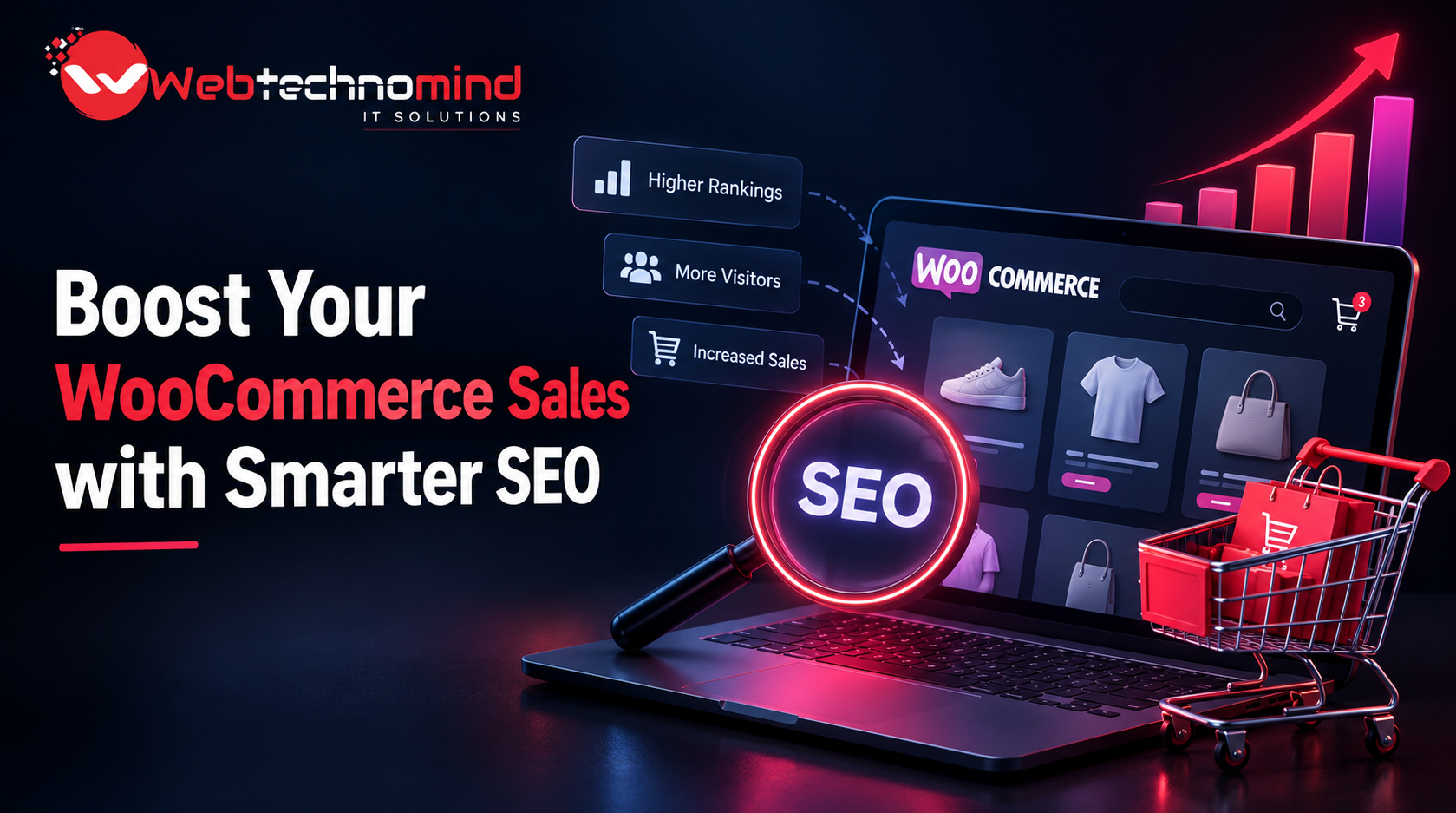







Running a WooCommerce store is easy. Getting consistent organic traffic and turning that traffic into sales is the real challenge.
With thousands of ecommerce websites competing for the same customers, simply uploading products and waiting for Google to rank them is no longer enough. A successful WooCommerce SEO strategy requires optimized product pages, strong category structures, useful content, technical performance, and a website experience that makes it easy for both search engines and customers to find what they need.
In this WooCommerce SEO guide, we’ll explore practical strategies you can use to increase organic traffic, improve search visibility, attract high-intent shoppers, and generate more ecommerce sales.
WooCommerce SEO is the process of optimizing a WooCommerce website so that its products, categories, pages, and content can appear higher in search engine results.
Unlike traditional SEO, ecommerce SEO focuses heavily on commercial search intent. People searching for phrases such as “buy running shoes online,” “best office chairs,” or “wireless headphones under $100” are often much closer to making a purchase.
A strong WooCommerce SEO strategy helps your store target these searches and guide potential customers from Google to the right product or category page.
Keyword research is the foundation of WooCommerce SEO.
Instead of targeting only broad keywords, identify a combination of informational, commercial, and transactional keywords relevant to your products.
For example, a store selling skincare products could target:
Focus particularly on long-tail keywords. They generally have lower competition and can attract visitors with very specific purchase intent.
Analyze search volume, competition, search intent, and relevance before selecting keywords for your product and category pages.
Your product pages are among the most important SEO assets on your ecommerce website.
Each product page should have a unique and descriptive title that naturally includes the primary keyword. Avoid generic titles such as “Product 123” because they provide little information to search engines or shoppers.
Your product description should explain:
Avoid copying manufacturer descriptions. Duplicate content makes it harder for your store to stand out and does not give Google a strong reason to rank your page over competing websites.
Write original, helpful descriptions that answer the questions customers are likely to have before purchasing.
Your title tag and meta description influence how your store appears in search results.
A good meta title should be concise, descriptive, and focused on the primary keyword.
For example:
Poor:
“Blue Shoes | My Store”
Better:
“Men’s Blue Running Shoes – Lightweight & Comfortable”
Your meta description should summarize the product or category and encourage users to click.
For example:
“Shop lightweight men’s blue running shoes designed for everyday training, comfort and performance. Explore sizes and styles online.”
Keep your metadata natural rather than stuffing keywords into every sentence.
Category pages can generate significant organic traffic because they often target broader commercial keywords.
Instead of creating categories based only on internal business terminology, use terms customers actually search for.
For example, instead of:
“Collection A”
Use:
“Men’s Running Shoes”
Then optimize the category page with:
Avoid creating hundreds of thin categories with only one or two products. A clear, logical category structure makes your website easier to crawl and easier for customers to navigate.
Keep WooCommerce URLs short, readable, and descriptive.
For example:
Good:
/mens-running-shoes/
Less effective:
/product-category/category123/item456/
Your URLs should help users and search engines understand what the page is about.
Avoid unnecessary numbers, parameters, and complicated URL structures wherever possible.
Website performance has a direct impact on ecommerce usability.
A slow WooCommerce store can lead to higher bounce rates, abandoned carts, and lower conversions.
Focus on:
Mobile performance is particularly important because a large percentage of ecommerce searches happen on smartphones.
Your goal should be a fast, responsive website that allows customers to browse products and complete purchases without unnecessary delays.
Internal links help search engines discover and understand your website while also guiding visitors toward relevant products.
For example, a blog post about “How to Choose Running Shoes” could link to your running shoe category and relevant products.
You can also connect:
Blog → Category → Product
and
Category → Product → Related Product
Use descriptive anchor text instead of generic phrases such as “click here.”
A strong internal linking structure distributes authority throughout your website and helps important ecommerce pages receive more visibility.
Product pages alone may not be enough to capture all relevant searches.
Create useful blog content around questions and problems your target customers search for.
For example, a furniture store could publish:
These articles can attract users earlier in the buying journey and introduce them to your products.
The key is to avoid creating content purely for search engines. Write content that genuinely helps potential customers make better purchasing decisions.
Images are essential for ecommerce, but poorly optimized images can slow down your website.
Use descriptive file names instead of generic names such as:
IMG12345.jpg
A better filename would be:
black-leather-office-chair.jpg
Also add meaningful alt text that describes the image accurately.
For example:
“Black ergonomic leather office chair with adjustable headrest”
Do not fill alt attributes with unnecessary keywords. Accessibility and accurate image descriptions should come first.
WooCommerce websites can generate duplicate URLs through product variations, filters, tags, sorting parameters, and pagination.
If these pages are not managed correctly, search engines may waste crawl resources or struggle to identify which version should appear in search results.
Review your:
Use appropriate canonicalization, indexing controls, redirects, and sitemap configuration where necessary.
Structured data can help search engines understand your products more effectively.
For ecommerce websites, product structured data can communicate information such as:
When eligible, this information can contribute to enhanced search appearances.
Make sure your structured data accurately reflects the information visible on your website. Do not add misleading or inaccurate schema information simply to gain search visibility.
A WooCommerce website must provide a strong mobile experience.
Check whether visitors can easily:
Buttons should be easy to tap, product images should load quickly, and checkout should require as few unnecessary steps as possible.
A technically optimized desktop website is not enough if the mobile shopping experience is frustrating.
Backlinks remain an important part of SEO.
However, quality matters more than quantity.
Instead of purchasing large numbers of low-quality links, focus on earning relevant links through:
For example, if you sell fitness equipment, earning a link from a reputable fitness publication is generally more valuable than receiving dozens of unrelated links.
SEO should be measured against business outcomes, not just rankings.
Track metrics such as:
Use analytics and search performance data to identify which pages attract visitors and which pages generate revenue.
A page receiving thousands of visitors but producing no sales may require better product positioning, stronger calls to action, improved trust signals, or a better user experience.
Getting traffic is only half the job.
Your WooCommerce website must convert visitors into customers.
Improve conversions by adding:
SEO brings qualified visitors to your store. Conversion optimization helps turn those visitors into revenue.
WooCommerce SEO is not a one-time task. It is an ongoing process that combines technical SEO, keyword research, content creation, product optimization, website performance, internal linking, authority building, and conversion optimization.
Start by optimizing your most important product and category pages. Then improve site speed, strengthen internal links, publish helpful content, optimize your mobile experience, and continuously analyze organic traffic and ecommerce conversions.
The ultimate goal is not simply to rank number one on Google. It is to attract the right customers, provide the information they need, and turn organic search traffic into sustainable ecommerce sales.
When SEO and conversion optimization work together, your WooCommerce store can build long-term visibility, reduce dependence on paid advertising, and create a reliable source of organic revenue.
Read More



A professional website is no longer optional for businesses that want to establish a strong online presence. Whether...

Migrating a WordPress website can be necessary when changing hosting providers, moving to a new domain, redesigning a...

Choosing the best WordPress hosting in 2026 is more important than simply looking for the cheapest monthly plan....
WordPress powers millions of websites worldwide, making it one of the most popular content management systems for businesses,...