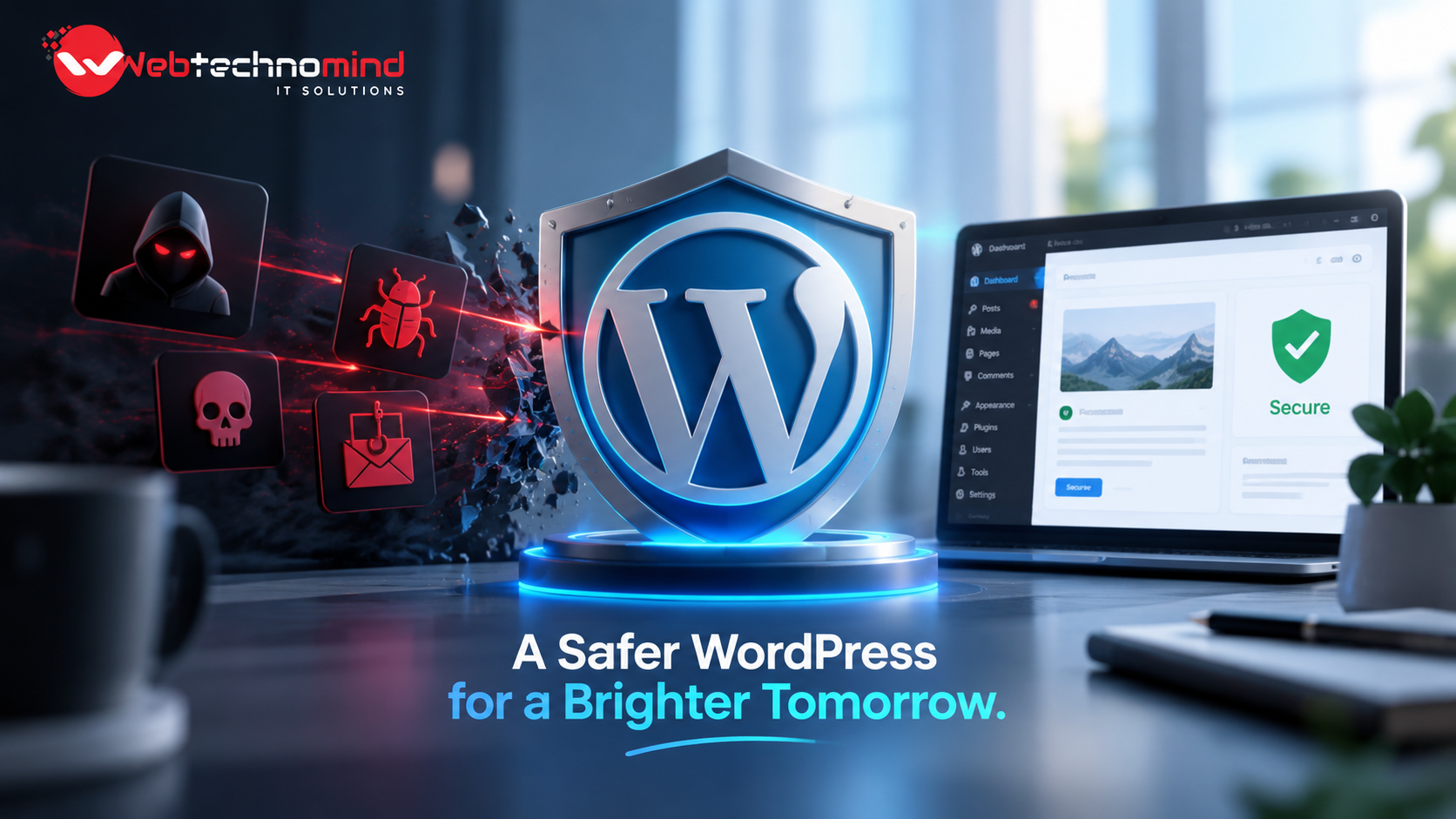







WordPress powers millions of websites worldwide, making it one of the most popular content management systems for businesses, bloggers, ecommerce companies, and organizations. However, its popularity also makes WordPress websites a frequent target for hackers, bots, malware, brute-force attacks, and vulnerable plugins.
A hacked website can result in stolen data, spam pages, SEO damage, website downtime, financial losses, and a damaged brand reputation. The good news is that most WordPress security risks can be significantly reduced by following the right security practices.
This WordPress security guide explains the most important steps you can take to protect your website from hackers and malware.
Website security is not something that should be considered only after a website has been hacked. Security should be part of your regular website maintenance strategy.
Attackers may attempt to:
Recent WordPress security releases demonstrate why keeping software updated is essential. For example, WordPress 7.0.4, released on August 12, 2026, included a security fix for an authenticated remote code execution vulnerability involving malicious file uploads.
One of the simplest ways to improve WordPress security is to keep WordPress updated.
Developers regularly release updates that include security patches, bug fixes, performance improvements, and new features. Delaying security updates can leave your website exposed to publicly known vulnerabilities.
Always check Dashboard → Updates and install legitimate WordPress updates as soon as practical.
WordPress has released multiple security updates during 2026, reinforcing the importance of maintaining current versions.
Before applying major updates, especially on important business websites, create a backup and test changes when possible.
Plugins and themes can add powerful functionality to a WordPress website, but outdated or poorly maintained extensions can create security risks.
You should:
Installing dozens of unnecessary plugins increases the number of components that need to be monitored and maintained.
WordPress has also highlighted the security challenges associated with its large plugin and theme ecosystem, making responsible update management increasingly important.
Weak passwords are an easy target for automated attacks.
Every administrator should use a strong, unique password that is not reused on other websites. A password manager can help generate and securely store complex passwords.
For additional protection, enable two-factor authentication (2FA). WordPress security guidance recommends 2FA as an important defense against brute-force attacks.
With 2FA enabled, an attacker who obtains your password still needs an additional authentication method to access the account.
Brute-force attacks involve automated attempts to guess usernames and passwords.
To reduce this risk, consider implementing:
WordPress’s current security guidance also recommends rate limiting and edge/WAF protection as useful defenses against automated login attacks.
Changing the login URL alone should not be treated as a complete security solution.
A reputable WordPress security plugin can provide additional protection and monitoring.
Depending on the solution, security features may include:
However, security plugins should complement—not replace—regular updates, secure hosting, backups, and good account-management practices.
A Web Application Firewall (WAF) can help filter malicious traffic before it reaches your website.
A properly configured WAF may help protect against common threats such as:
For websites receiving significant traffic or facing repeated attacks, combining a WAF with strong WordPress-level security can provide an additional layer of defense.
Even with strong security measures, no website is completely immune to attacks or technical failures.
Regular backups provide a recovery option if your website is hacked, corrupted, accidentally modified, or affected by a hosting problem.
A good backup strategy should include:
Most importantly, test your backups. A backup is useful only if it can actually be restored.
Your hosting environment plays an important role in website security.
When choosing WordPress hosting, look for features such as:
Avoid extremely cheap hosting environments if they compromise security, performance, or support quality.
SSL/TLS encryption protects information exchanged between your website and visitors.
With HTTPS enabled, sensitive information such as login credentials and form submissions can be transmitted more securely.
An SSL certificate is also important for visitor trust and modern web standards. Make sure your entire website—including important resources and forms—is properly served through HTTPS.
Regular monitoring can help identify security problems before they become larger issues.
Warning signs of a compromised WordPress website can include:
If you notice suspicious activity, avoid simply deleting visible malicious files. A proper investigation should determine how the attacker gained access and whether other files or accounts were compromised.
Not every user needs administrator privileges.
WordPress provides different user roles, so assign the minimum permissions required for each person’s responsibilities.
For example, someone who only needs to publish articles generally does not need complete administrator access.
Reducing unnecessary privileges can limit the potential damage if an account is compromised.
WordPress security should be an ongoing process rather than a one-time setup.
Create a regular security checklist covering:
Regular audits can help identify vulnerabilities before attackers exploit them.
A secure WordPress website requires multiple layers of protection. Keeping WordPress, plugins, and themes updated should be the foundation of your security strategy. Strong passwords, 2FA, secure hosting, WAF protection, malware monitoring, restricted user permissions, and reliable backups can further reduce your risk.
Website security is especially important for businesses because a hacked website can affect more than technical performance—it can damage SEO rankings, customer trust, revenue, and brand reputation.
If you manage a WordPress website, don’t wait until it gets hacked to take security seriously. Protect your website proactively, monitor it regularly, and keep every component properly maintained.
For businesses that depend on their website for leads, sales, or online visibility, professional WordPress maintenance and security management can provide an additional layer of protection and peace of mind.
Read More

A professional website is no longer optional for businesses that want to establish a strong online presence. Whether...
Migrating a WordPress website can be necessary when changing hosting providers, moving to a new domain, redesigning a...
Choosing the best WordPress hosting in 2026 is more important than simply looking for the cheapest monthly plan....
Website speed is no longer just a technical consideration. It directly affects user experience, search visibility, conversions, and...