OpenAI Guide: How to Build AI Applications Using GPT Models & OpenAI APIs
- By admin
- Sep 03, 2026

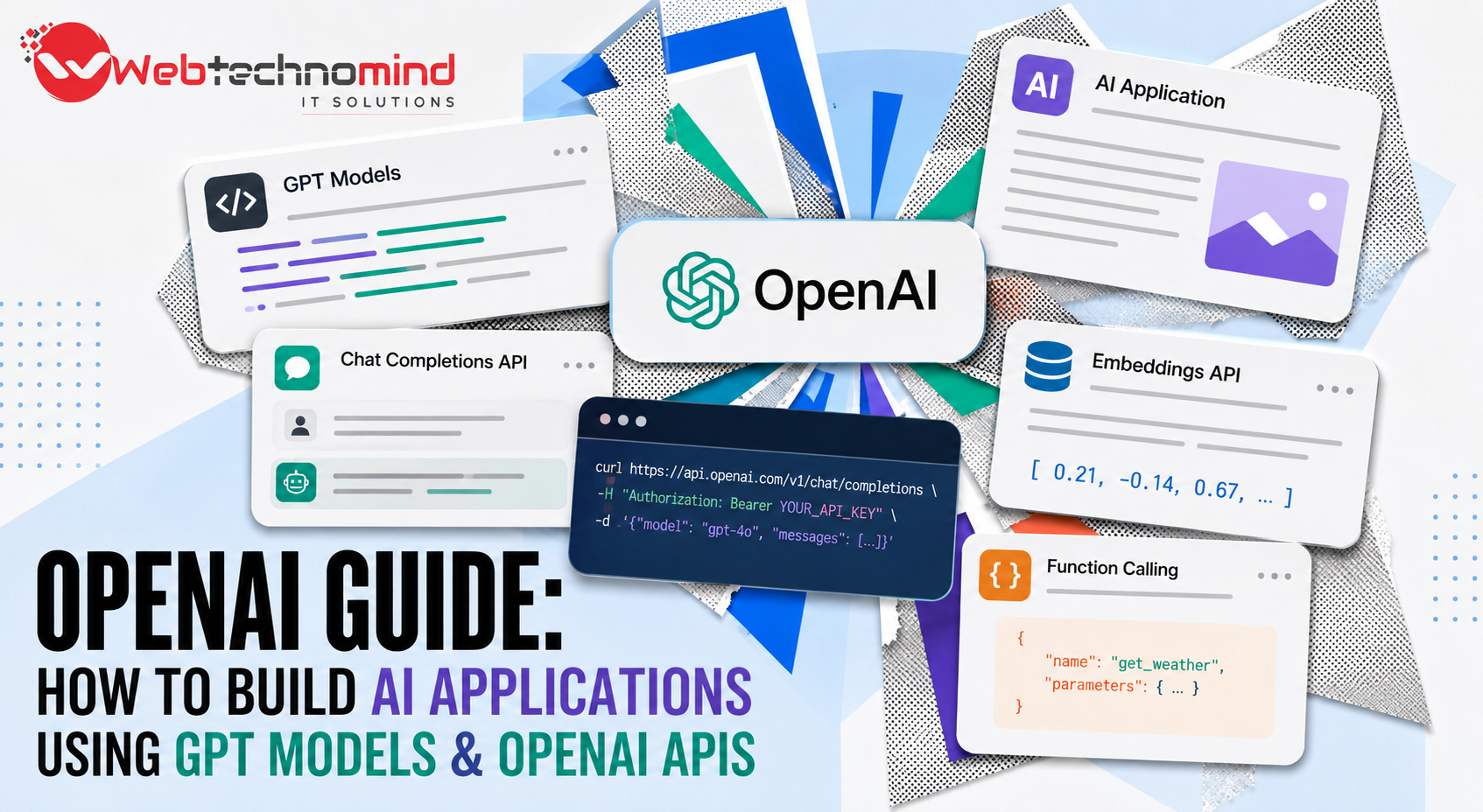







Artificial intelligence has moved from being an emerging technology to becoming a practical part of modern software development. Businesses are using AI applications to automate repetitive tasks, improve customer experiences, analyze information, generate content, and build smarter digital products.
One of the most accessible ways to add AI capabilities to a website, mobile application, SaaS platform, or internal business system is through GPT models and OpenAI APIs.
Whether you are a developer, startup founder, product manager, or business owner, understanding how to build AI applications with OpenAI can help you turn an idea into a functional AI-powered product. This guide explains the key steps, technologies, architecture, use cases, and best practices involved in building AI applications using GPT models and OpenAI APIs.
GPT models are generative AI models designed to understand and generate human-like text. They can be used for tasks such as answering questions, summarizing documents, generating content, extracting information, reasoning over data, and powering conversational interfaces.
Instead of developing an AI model from scratch, developers can integrate GPT capabilities into applications through an API. This significantly reduces development complexity and allows businesses to focus on building useful products around AI capabilities.
For example, a company could build an AI customer-support assistant that receives a customer’s question, sends it to an appropriate GPT model, and returns a helpful response through its website or mobile application.
The OpenAI API allows developers to connect their applications with OpenAI’s AI models. Your application sends a request containing instructions and relevant information, and the API returns a model-generated response.
A typical AI application consists of several components:
This architecture makes it possible to integrate AI into existing software without rebuilding the entire product.
Before writing code, clearly identify the problem your AI application will solve.
For example, you could build:
A strong AI product should solve a specific business problem rather than simply adding AI because it is popular.
Start by defining the target users, their pain points, expected AI capabilities, and measurable business outcome.
The next step is selecting an appropriate model for your application.
Different AI models can offer different combinations of intelligence, speed, context handling, and cost. Your choice should depend on the complexity of the task.
For example, a simple classification or content-generation task may not require the same model capabilities as a complex reasoning workflow.
When selecting a model, consider:
It is usually better to test your application with realistic examples before making a final model decision.
Your backend acts as the bridge between your application and the OpenAI API.
Popular backend technologies include Node.js, Python, Laravel, Django, Java, and .NET.
The backend should handle tasks such as:
Avoid exposing your OpenAI API key directly inside frontend code. API credentials should be stored securely on the server or in protected environment variables.
Once the backend is ready, developers can integrate the OpenAI API using an official SDK or HTTP requests.
The general workflow looks like this:
User → Frontend → Backend → OpenAI API → Backend → Frontend → User
For example, when a customer enters a question into an AI chatbot, the frontend sends the message to your backend. The backend validates the request and sends the appropriate instructions and context to the AI model. The model generates a response, which the backend returns to the application.
This architecture gives developers greater control over authentication, data handling, permissions, and application logic.
Prompt design plays an important role in AI application development.
A prompt should clearly explain what the model needs to do, what information it can use, and how the response should be structured.
For example, instead of asking:
“Write a product description.”
a better instruction could specify the product category, target audience, tone, length, required information, and output format.
For production applications, prompts should be treated as part of the product logic. Developers should test them with different inputs and create safeguards for unexpected responses.
One of the biggest advantages of AI applications is the ability to combine GPT models with business-specific information.
For example, a company’s AI assistant could answer questions using:
Retrieval-augmented generation, commonly known as RAG, can help applications retrieve relevant information from a knowledge source and provide it to the model when generating an answer.
This approach can make an AI assistant much more useful than relying only on general model knowledge.
More advanced AI applications can go beyond generating text.
An AI agent can be designed to interact with tools and perform actions based on defined workflows.
For example, an AI sales assistant could:
This turns AI from a simple chatbot into a functional software component capable of supporting business processes.
Security should be considered from the beginning of AI application development.
Important practices include:
Businesses should also understand how data flows through their AI architecture and ensure their implementation meets applicable privacy and regulatory requirements.
Traditional software testing is not enough for AI applications because model responses can vary.
Developers should create a testing dataset containing realistic user questions and edge cases.
Test areas should include:
Human evaluation can also be useful for measuring whether AI responses actually meet business requirements.
The cost of developing an AI application depends heavily on its complexity.
A basic AI chatbot may require relatively simple API integration, while an enterprise AI platform could involve custom dashboards, authentication, databases, RAG pipelines, AI agents, third-party integrations, analytics, and advanced security.
The overall cost can be influenced by:
Businesses should therefore estimate both development costs and ongoing AI infrastructure/API costs before launching.
A successful AI application should not be designed around the model alone. The complete user experience matters.
Start with a narrow use case, measure results, and improve the system based on real user feedback.
Use structured outputs when your application needs predictable data. Add validation around model responses, monitor API usage, and keep prompts and AI workflows version-controlled.
It is also important to design graceful fallback mechanisms. If the AI service becomes unavailable or produces an unsuitable response, the application should have an alternative workflow rather than simply failing.
GPT models and OpenAI APIs have made AI application development significantly more accessible. Developers no longer need to build and train a large language model from scratch to create intelligent software.
The key is combining AI capabilities with strong software engineering, reliable data, effective prompts, security controls, and a clear business objective.
Whether you are planning an AI chatbot, SaaS platform, document assistant, AI agent, customer-support system, or intelligent business automation tool, OpenAI APIs can provide the foundation for building powerful AI-powered applications.
The most successful AI products will not simply use AI for the sake of innovation. They will use it to solve real problems, reduce friction, automate valuable workflows, and deliver measurable outcomes for users and businesses.
Read More



Artificial Intelligence (AI) is transforming how businesses operate, communicate with customers, analyse data, and deliver services. From intelligent...

Artificial intelligence is rapidly changing how businesses handle content, customer support, software development, research, and everyday operations. Among...
Artificial intelligence is changing how businesses handle repetitive tasks, customer communication, data processing, content creation, and decision-making. But...
Introduction Managing customer relationships manually can quickly become difficult as a business grows. Sales teams need to follow...