Business Automation Guide: How AI & Automation Can Save Time, Reduce Costs & Increase Revenue
- By admin
- Sep 02, 2026








Running a business today involves much more than selling products or services. Teams have to manage customer inquiries, marketing campaigns, sales follow-ups, invoices, employee tasks, reports, data entry, appointments, and countless other repetitive activities.
The problem is that many businesses still handle these processes manually.
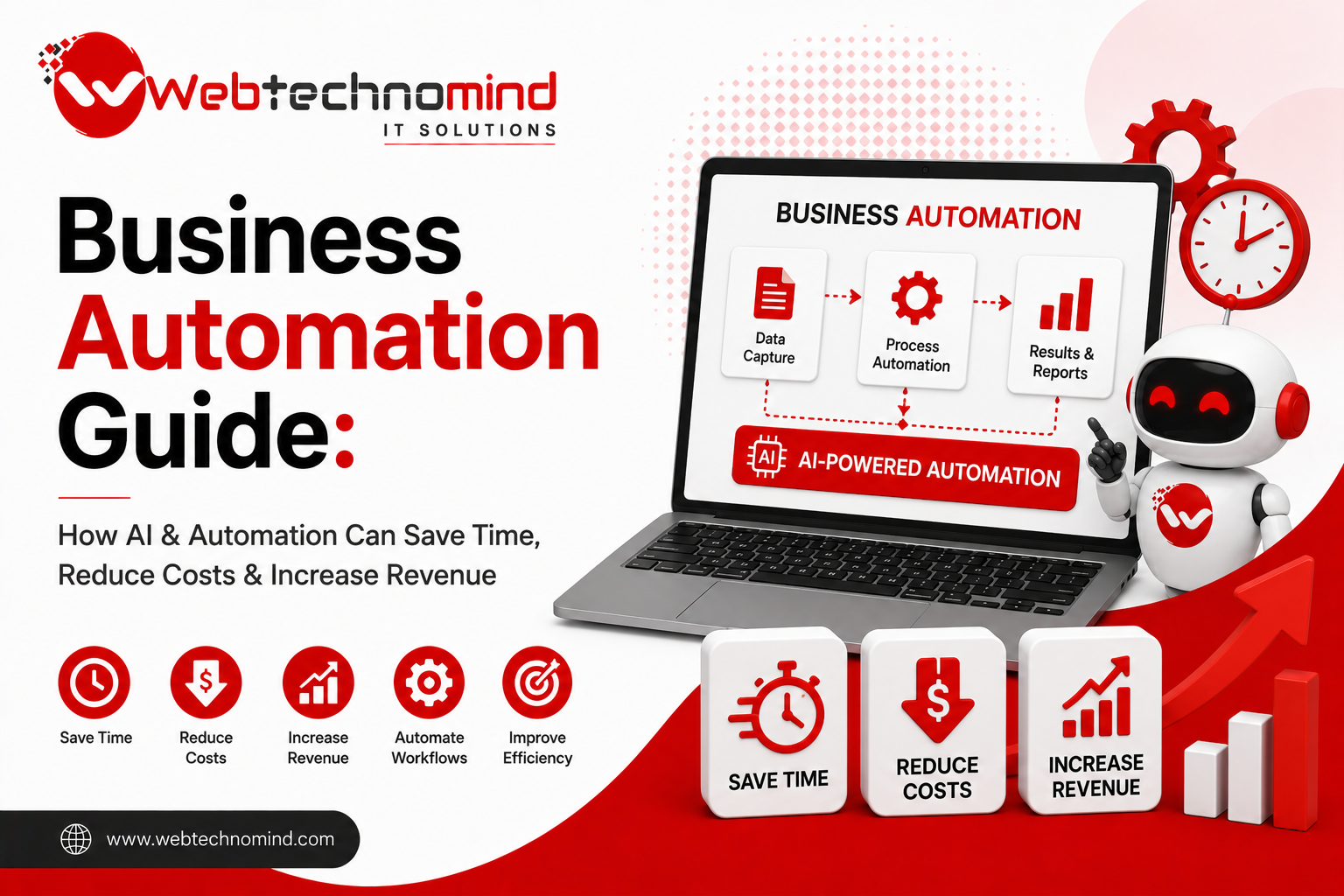
This is where business automation and artificial intelligence (AI) can make a significant difference. By automating repetitive work and using AI to support decision-making, businesses can save valuable time, reduce operational costs, improve productivity, and create more opportunities for revenue growth.
But automation is not simply about replacing human employees with software. The real goal is to help people spend less time on repetitive tasks and more time on work that requires creativity, strategy, communication, and judgment.
Business automation is the use of software, technology, workflows, and AI systems to perform repetitive business tasks with minimal human intervention.
Traditional automation usually follows predefined rules. For example, when a customer submits a form, an automated system can send a confirmation email.
AI-powered automation goes a step further. It can analyze information, understand language, identify patterns, generate content, classify requests, and make recommendations based on available data.
For example, an AI-powered customer service system can understand a customer’s question, identify the appropriate response, and route complex issues to a human team member.
Together, automation and AI can create faster and more intelligent business workflows.
Time is one of the most valuable resources in any organization. Employees who spend hours every week copying data, sending repetitive emails, preparing basic reports, or manually updating systems have less time available for strategic activities.
Business automation addresses this problem by reducing unnecessary manual work.
Some of the biggest benefits include:
The result is not just efficiency. When businesses operate more efficiently, they can potentially serve more customers without increasing costs at the same rate.
Administrative work is one of the easiest areas to automate.
Businesses can automate tasks such as:
For example, instead of manually sending appointment reminders, a company can create an automated workflow that sends messages before every scheduled appointment.
This saves employees time while also reducing the possibility of missed appointments.
Customer expectations have changed. People increasingly expect quick answers, particularly when they are researching a product or trying to solve a problem.
AI chatbots and virtual assistants can provide immediate responses to common questions.
They can help customers with:
The important point is that AI does not have to replace human customer support.
A better approach is often a hybrid model where AI handles routine questions and human agents take over complex or sensitive conversations.
This allows customer service teams to focus their time where human expertise matters most.
Sales teams often lose opportunities because leads are not followed up quickly enough.
Automation can help businesses capture, organize, qualify, and follow up with leads automatically.
For example, when someone submits a website inquiry, an automated workflow can:
AI can also analyze lead information and help sales teams prioritize prospects that are more likely to convert.
This can make the sales process more organized and responsive.
Marketing involves many repetitive activities that can be partially automated.
Businesses can automate email campaigns, social media scheduling, customer segmentation, lead nurturing, reporting, and campaign notifications.
AI can also support marketers by helping with:
However, human oversight remains important. AI-generated marketing content should be reviewed for accuracy, brand consistency, originality, and relevance.
The strongest approach combines AI’s speed with human creativity and strategic thinking.
One of the most attractive benefits of automation is cost efficiency.
Imagine an employee spends 10 hours every week performing a repetitive reporting task. That is roughly 40 hours every month spent on work that could potentially be automated.
If software can complete the process reliably, those employee hours can be redirected toward sales, customer relationships, product development, or other high-value activities.
Automation can therefore reduce the hidden cost of inefficient processes.
It also helps reduce errors that can lead to financial losses, customer complaints, rework, and operational delays.
Automation does not generate revenue automatically. Instead, it creates the conditions that allow businesses to grow more efficiently.
For example, automated lead nurturing can help sales teams follow up with more prospects.
Automated customer support can allow a company to serve more customers.
Automated marketing can help businesses communicate with audiences consistently.
AI-powered analytics can identify patterns that help management make better decisions.
When these improvements work together, businesses can increase their capacity without proportionally increasing their workload.
Modern businesses generate enormous amounts of data.
The challenge is not always collecting data. It is understanding what the data means.
AI can analyze large datasets and identify trends, patterns, anomalies, and potential opportunities.
Businesses can use AI-assisted analytics to understand:
Better information can lead to better decisions.
Businesses should avoid automating everything at once.
A better strategy is to start with processes that are repetitive, time-consuming, and clearly defined.
Begin by identifying tasks that:
Then measure the current process.
Track how much time it takes, how many employees are involved, what errors occur, and what the process costs.
After automation is introduced, compare the results.
This creates a clear picture of whether the automation is actually delivering business value.
Automation can create problems when implemented without proper planning.
One common mistake is automating a broken process. If the original workflow is inefficient, automation may simply make the inefficient process happen faster.
Businesses should first simplify and improve the workflow.
Another mistake is relying completely on AI without human oversight. AI systems can produce incorrect or inappropriate results, particularly when the underlying data is incomplete.
Businesses should also consider data security, access controls, privacy, system integrations, and employee training before implementing automation.
AI automation is moving beyond simple chatbots and scheduled workflows.
Businesses are increasingly exploring AI agents that can perform multi-step tasks, interact with software systems, analyze information, and assist employees with complex workflows.
This could transform areas such as sales, customer support, finance, marketing, HR, logistics, and operations.
The businesses that benefit most will not necessarily be those that use the most AI.
They will be the ones that identify the right problems to solve and implement automation where it creates measurable value.
Business automation is no longer limited to large enterprises with massive technology budgets. Small and medium-sized businesses can also use AI and automation to eliminate repetitive work, improve customer experiences, reduce costs, and create new growth opportunities.
The key is to start strategically.
Identify repetitive processes, measure their impact, choose the right technology, integrate it with existing systems, and continuously evaluate the results.
AI should not simply make businesses more automated. It should make them more productive, responsive, scalable, and competitive.
When technology handles repetitive work and people focus on strategy, creativity, relationships, and innovation, businesses can build a more efficient foundation for sustainable growth.
Read More
Artificial Intelligence (AI) is transforming how businesses operate, communicate with customers, analyse data, and deliver services. From intelligent...

Artificial intelligence is rapidly changing how businesses handle content, customer support, software development, research, and everyday operations. Among...
Artificial intelligence is changing how businesses handle repetitive tasks, customer communication, data processing, content creation, and decision-making. But...
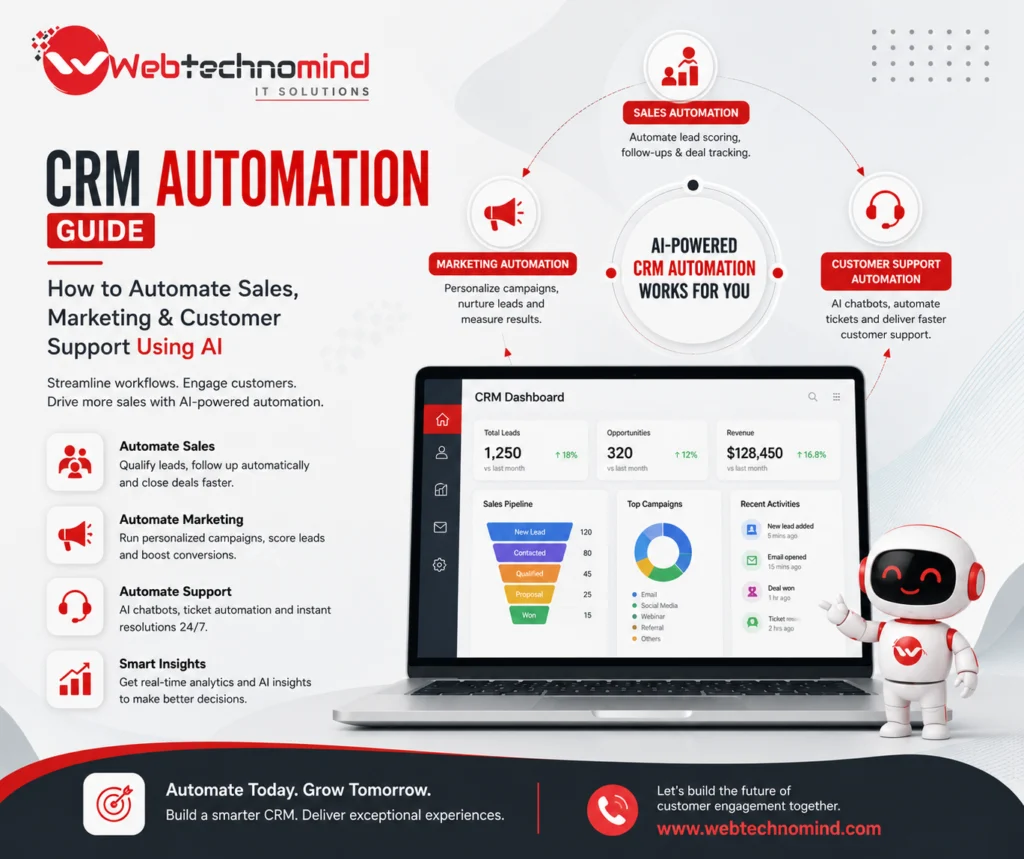
Introduction Managing customer relationships manually can quickly become difficult as a business grows. Sales teams need to follow...