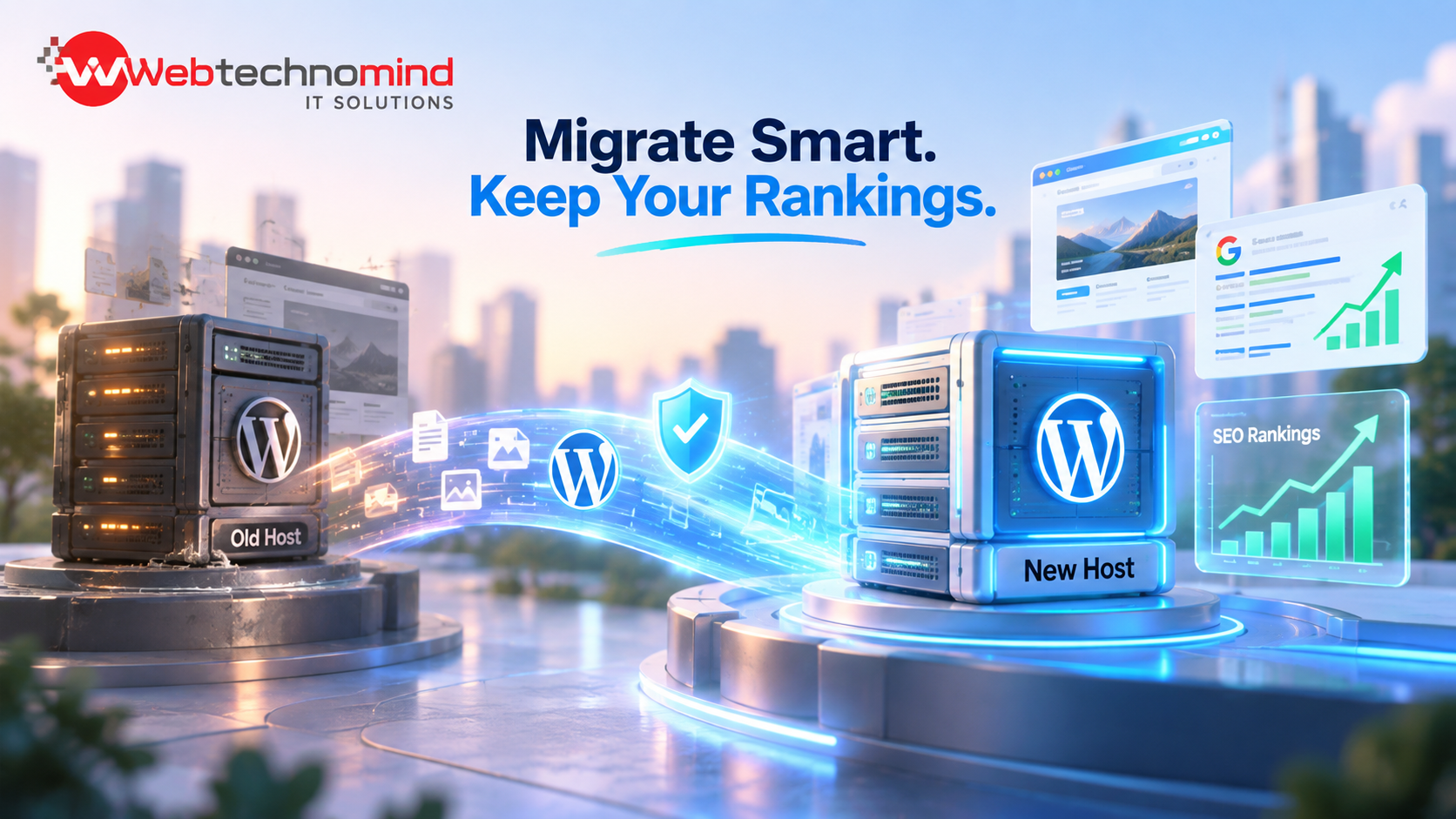







Migrating a WordPress website can be necessary when changing hosting providers, moving to a new domain, redesigning a website, upgrading its technology, or improving website performance. However, a poorly planned migration can result in broken links, lost traffic, indexing problems, and significant drops in Google rankings.
The good news is that WordPress migration does not have to hurt your SEO. With the right planning, URL management, redirects, technical checks, and post-migration monitoring, you can move your website while protecting its existing search visibility.
In this guide, we explain how to migrate a WordPress website without losing SEO rankings.
WordPress migration is the process of moving a WordPress website from one environment to another. This may involve changing the hosting provider, domain name, server, website structure, or even the entire website design.
Common types of WordPress migration include:
Regardless of the type of migration, protecting your SEO should be a major priority.
Search engines use URLs, content, internal links, backlinks, technical signals, and other factors to understand and rank your website.
During migration, important SEO elements can accidentally change or disappear. For example, old URLs may return 404 errors, meta titles may be removed, pages may become blocked from search engines, or internal links may point to incorrect locations.
A migration can therefore cause:
This is why a proper WordPress SEO migration strategy is essential.
Before starting the migration, create a complete backup of your website.
Your backup should include:
Store the backup in a secure location outside your current hosting account. This gives you a recovery option if something goes wrong during the migration.
Do not begin the migration until you have verified that the backup can actually be restored.
One of the most important steps in an SEO-friendly migration is documenting your existing URLs.
Create a list of important pages, including:
You can use Google Analytics, Google Search Console, your sitemap, and SEO crawling tools to identify important URLs.
Pay particular attention to pages that generate significant organic traffic or have valuable backlinks.
If possible, keep the same URL structure after migration.
For example:
example.com/services/web-development/
should ideally remain:
example.com/services/web-development/
Changing URLs unnecessarily creates additional SEO work and increases the risk of losing rankings.
If URLs must change, prepare a URL mapping document that connects every important old URL to its corresponding new URL.
When an old URL is permanently replaced by a new URL, use a 301 redirect.
For example:
Old URL:
example.com/old-service/
New URL:
example.com/web-development-services/
The old URL should redirect directly to the relevant new page.
Avoid redirect chains such as:
Old URL → Page A → Page B → New Page
Instead, use:
Old URL → New Page
Proper 301 redirects help search engines understand that the page has permanently moved and help preserve SEO value from existing URLs and backlinks.
Before launching the migrated website, compare the old and new versions.
Make sure important SEO elements have been preserved, including:
A redesign or migration should not accidentally remove optimized content from pages that already perform well in search results.
After migration, verify your robots.txt file.
Make sure important pages are not accidentally blocked from search engine crawlers.
You should also create and submit an updated XML sitemap containing the correct URLs.
If the website has moved to a new domain, submit the new sitemap through Google Search Console and monitor indexing carefully.
Before making the migrated website public, thoroughly test it.
Check:
Use an SEO crawler to identify broken links, missing metadata, duplicate pages, and technical issues.
After migration, Google Search Console becomes one of your most important monitoring tools.
Watch for:
If your domain has changed, use Google’s appropriate site-move functionality and ensure the old and new properties are properly configured.
Do not panic if rankings fluctuate slightly immediately after migration. Search engines may need time to recrawl and reassess the website.
After the migration, compare your website’s performance with its pre-migration data.
Monitor:
A small temporary fluctuation can be normal, but a significant or prolonged traffic decline should be investigated immediately.
Several mistakes can cause unnecessary SEO problems during migration.
Forgetting 301 redirects: This can result in broken URLs and lost SEO value.
Changing URLs unnecessarily: Keeping existing URLs where possible reduces migration risk.
Blocking search engines: A staging site’s noindex setting can accidentally remain active on the live website.
Deleting valuable content: Removing high-performing pages can cause organic traffic losses.
Ignoring internal links: Internal links should point to the correct new URLs.
Failing to test the website: Technical errors can remain hidden if the site is not thoroughly checked before launch.
Before completing your migration, make sure you have:
A WordPress migration is more than simply transferring website files and a database. It is an SEO-sensitive process that requires careful planning and testing.
The key to a successful migration is to preserve important URLs, content, redirects, internal links, and technical SEO signals while thoroughly monitoring the website after launch.
Whether you are changing hosting providers, redesigning your website, moving to a new domain, or upgrading your WordPress setup, following a structured migration process can significantly reduce the risk of losing valuable Google rankings.
At WebTechnomind, we understand that website migration and SEO need to work together. A properly planned migration can help your business move to a better website environment while maintaining its existing search visibility and creating a stronger technical foundation for future growth.
Read More




Businesses today need secure, scalable, and reliable technology infrastructure to remain competitive. From startups launching digital products to...
Businesses today need more than basic digital tools to stay competitive. They need reliable software, streamlined workflows, secure...

Businesses today need more than a traditional website to stay competitive. From customer portals and online booking systems...

Businesses today need more than a website to succeed online. They need to be visible when potential customers...